
How do I plan a holiday with a packing list?
The holiday planner belongs to the custody planner and coordinates the time with the children: who is going where and when, which days are firmly booked, what has to be packed and when do you set off.
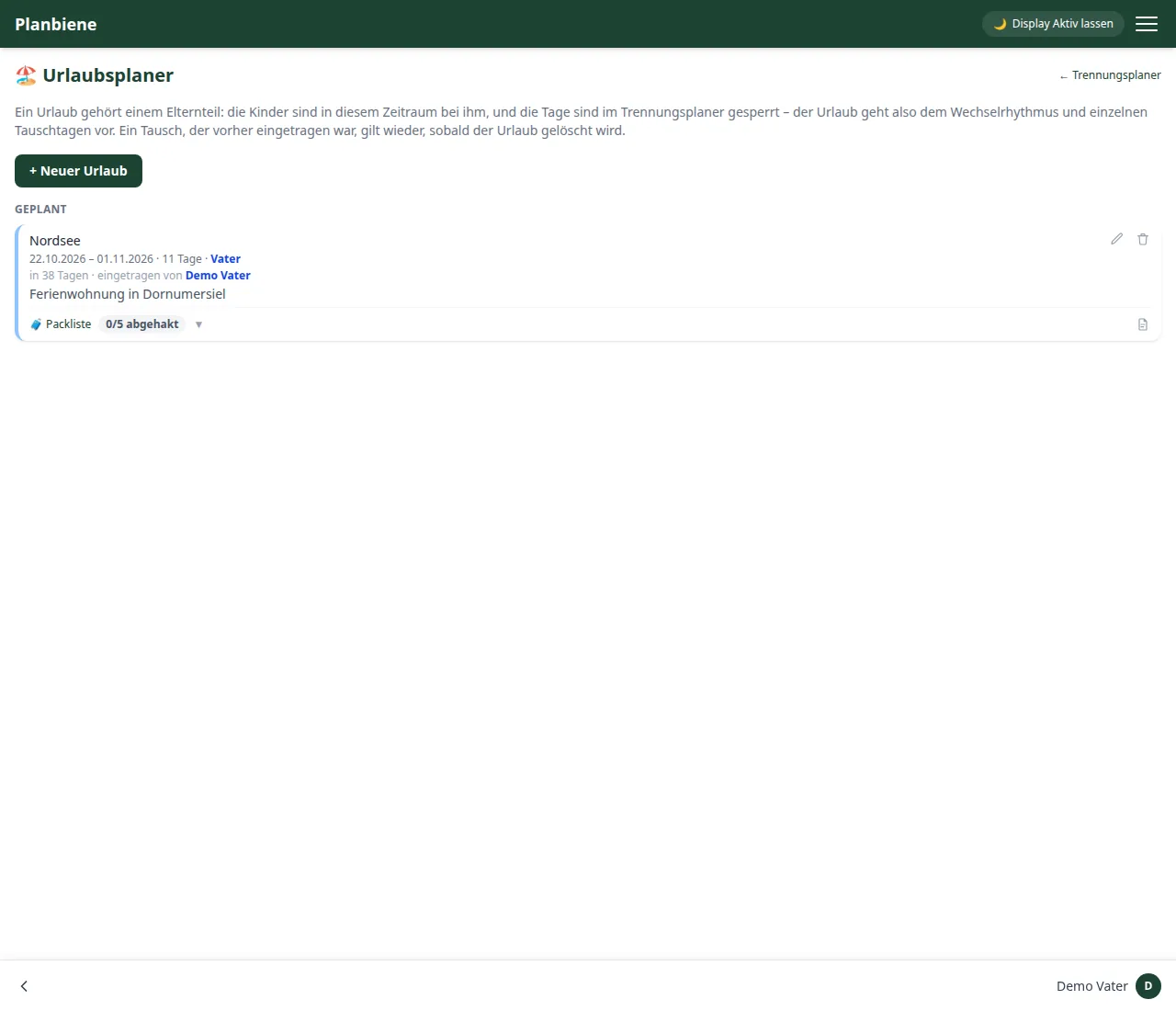
Step by step
- Open the Custody planner entry in the menu.
- Switch to the Holidays tab.
- Click + New holiday in the bar at the bottom.
- Enter a title (e.g. the destination).
- Choose which parent is travelling with the children.
- Set the period (from and to, inclusive).
- Optionally: a note for the hotel, flight times or emergency number – for a trip with formatting (headings, lists, bold).
- Save – done.
The holiday days are afterwards firmly assigned to that parent in the custody planner and locked: the regular rotation and individual swap days automatically step back for the period. If the holiday is deleted, the shared custody model applies again from then on.
The note also appears on the home page (holiday card) and can be edited right there.
Using the packing list
- Switch to the Packing list of the holiday.
- Add items (up to 100) – each one always shows who ticked it off when.
- Simply tick things off when packing the suitcase; "Tick all" and "Untick all" are also available.
- Under PDF you get the packing list as a print-ready sheet with tick boxes.
Keeping an eye on the countdown
The home screen shows the running or next holiday with a countdown: before the holiday the tile counts down to the start, during the holiday it shows the remaining days together with a progress bar and the packing list status (X of Y done).
All the details are in the Handbook: Holidays.