
🏆 Points & Statistics
Every task is worth points. Check one off and the points are credited to you – and the points overview shows what the family has racked up. This is aimed mainly at children, for whom "give me a hand" means very little, but a visible score means a great deal.
Awarding points
When you create or edit a task, you get the Points field – from 0 to 100, 1 by default. The more effort a task takes, the more a higher value is worth: mowing the lawn may well earn eight points, taking out the rubbish one. With 0 points a task doesn't count at all – handy for things that are a given anyway.
Points are always credited to the person who ticks the task off, not to the one who created it. Recurring tasks award points again every time they are ticked off. If a completion is undone, the points disappear again.
The overview
The menu entry 🏆 Points shows five things:
- Key figures – your points in the selected period, how many tasks you have completed, the family total and your overall score.
- Leaderboard of all family members, with bars and medals for the top three. In the event of a tie, several people share the same rank.
- Trend over time – daily for up to two months, monthly beyond that.
- Points by category – what the family's points are actually earned for.
- Recently completed – the eight most recent completions with name and time.
At the top you choose the period: this week, this month, this year or everything together.
What stays private
When there is nothing there yet
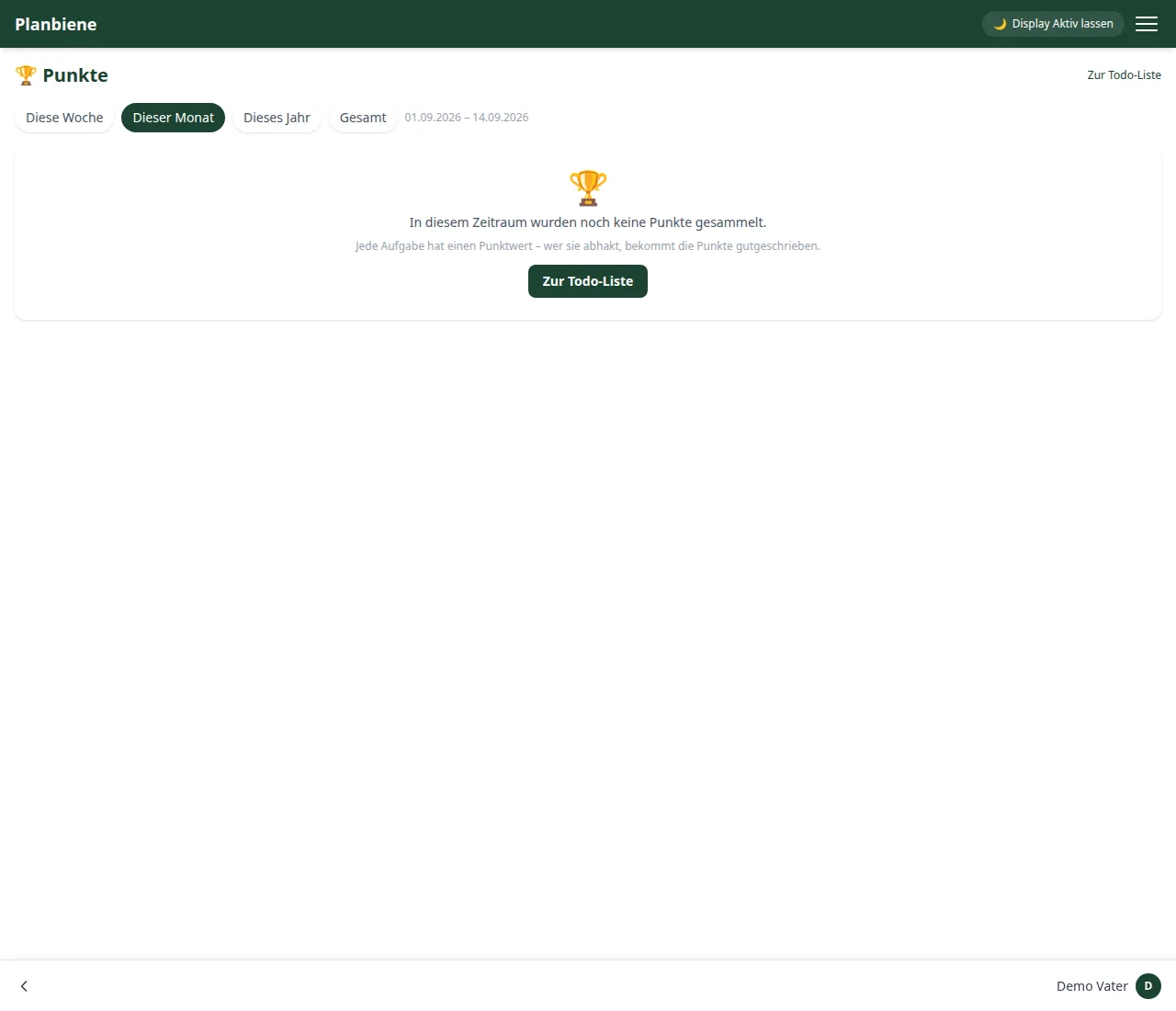
As long as nobody has ticked anything off in the selected period, the page shows a short hint instead of empty charts, together with a way back to the to-do list.