
🧾 Receipts
Receipts help you keep track of shared expenses that, for example, run through a joint account or are meant to be reimbursed – such as expenses for shared children that parents split across two households.
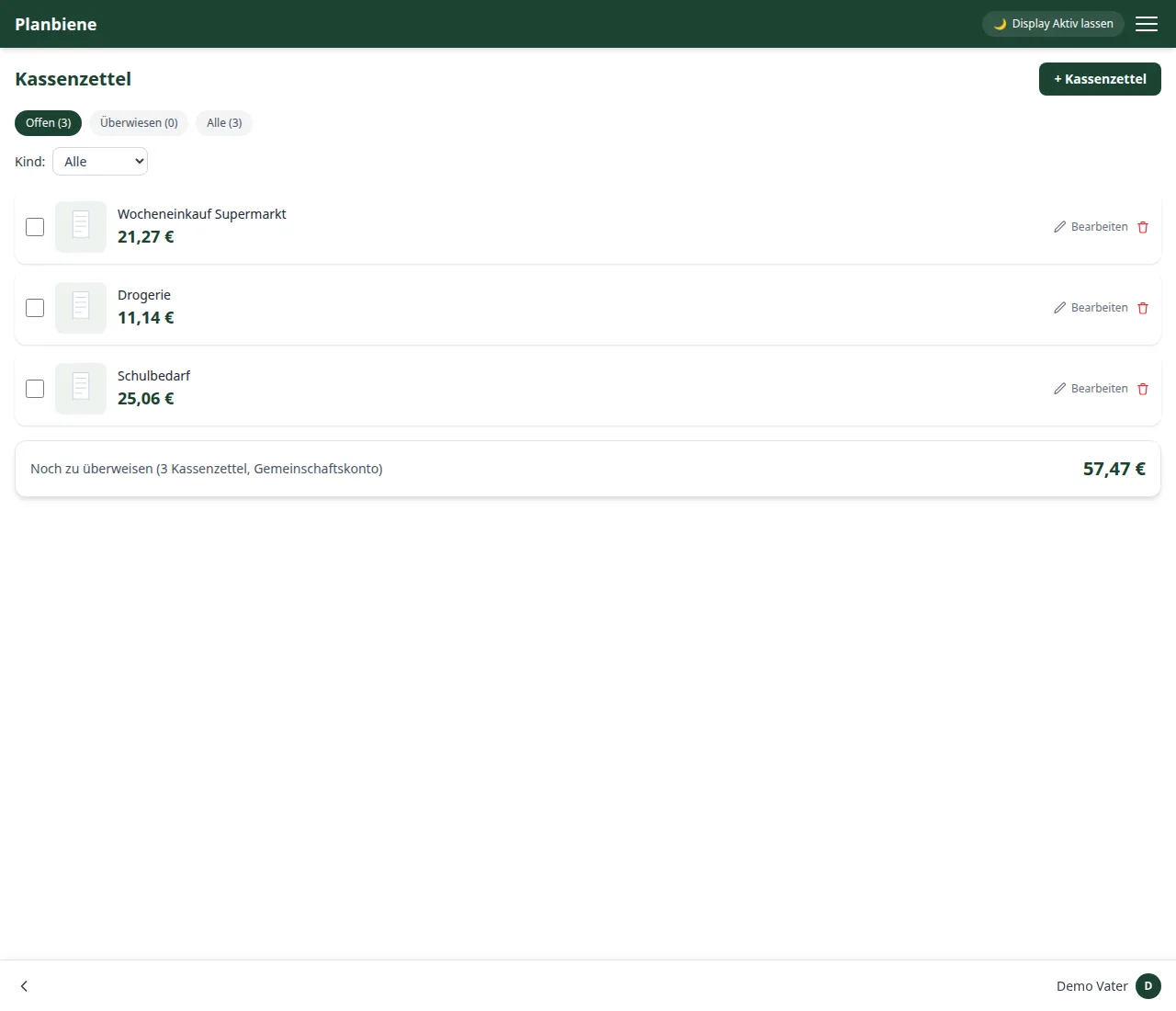
Creating a receipt
- Open the Receipts entry in the menu.
- Click + Receipt in the bar at the bottom.
- Optionally add a photo of the receipt – several are possible (e.g. front and back).
- Enter a short description.
- Either record individual line items (text, quantity, price) – the total is then calculated automatically from them – or enter a total directly if an itemisation is not needed.
Transfer status
Using the checkbox on a receipt you mark it as transferred. The app remembers who marked the transfer and when. At the top of the list you see at a glance how much is still outstanding in total.
Editing and deleting
Click Edit (pencil icon) to open a dialog in which you adjust the description, photos, line items or amount afterwards; with the trash can icon you remove a receipt completely.
Why record receipts?
Typical situations from everyday family life:
- Expenses for shared children that separated parents split (e.g. clothing, daycare, school supplies).
- Household purchases that run through a joint account.
- Expenses one parent pays up front and should be reimbursed for.
Because every receipt carries a date, a description and an amount, it stays clear who paid for what and when – arguing over “who paid what” is a thing of the past.