
How do I record shared expenses using receipts?
Receipts keep shared expenses transparent – for example expenses for shared children that parents split across two households. A photo of the receipt, a short description, done; the other parent ticks off the reimbursement with a single click.
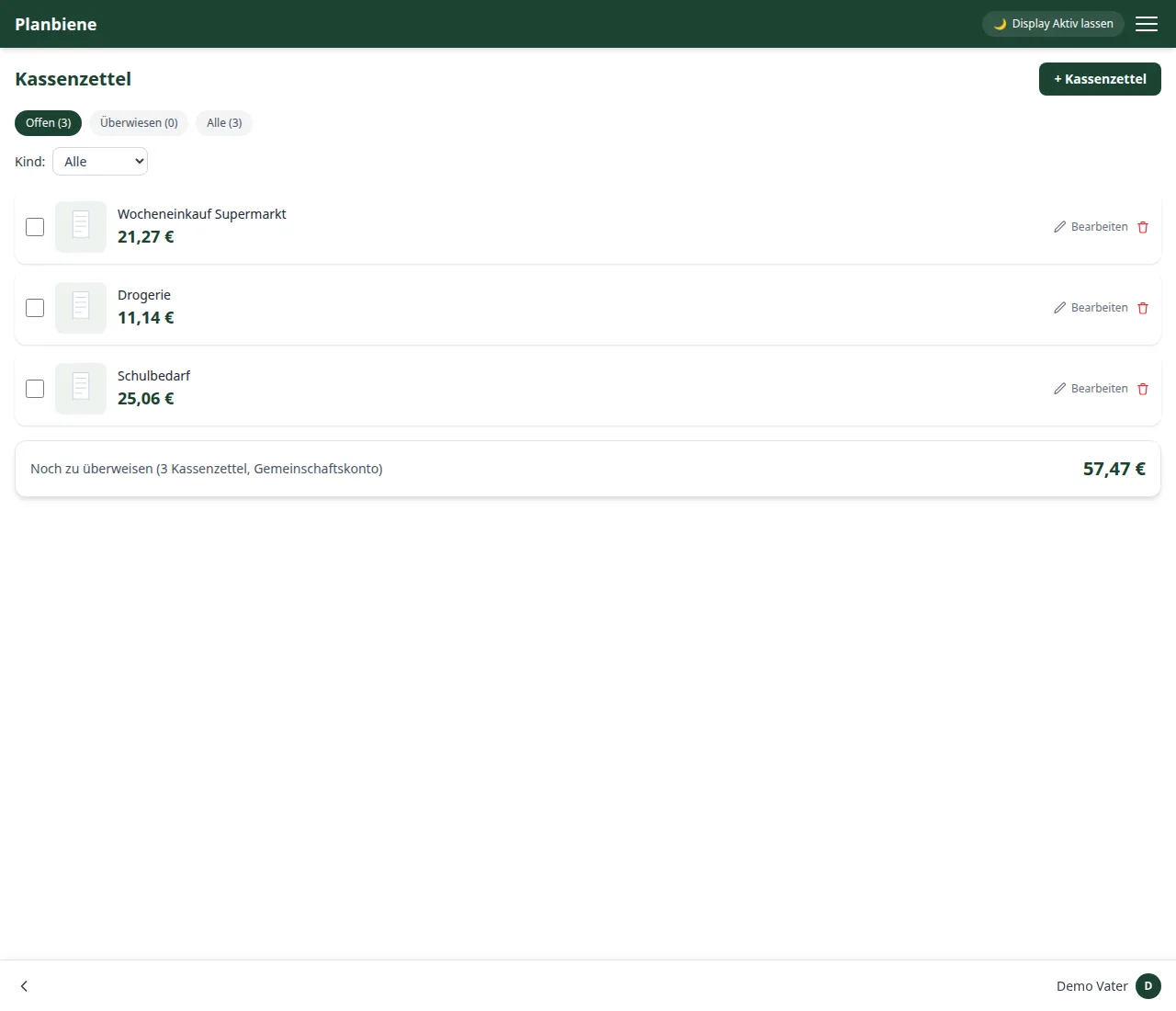
Step by step
- Open the Receipts entry in the menu.
- Click + Receipt in the bar at the bottom.
- Optionally add a photo of the receipt – several images are possible, e.g. front and back.
- Enter a short description.
- Either record individual line items (text, quantity, price) – the total is then calculated automatically from them – or enter a total directly.
- Save – done.
Tracking the transfer status
Once the amount has been reimbursed, the other side ticks the box: the app remembers who marked the transfer and when. At the top of the list you see at a glance how much is still outstanding in total – so no amount is left unresolved.
Note: Photos are stored directly in the app's database, not with
an external image service. Using Edit you adjust the description,
photos, line items or amount afterwards.
All the details can be found in the Handbook: Receipts.