
🗑️ Waste collection
When is the bin emptied? Set up your location – the collection dates from the waste calendar of your region then appear automatically in your account. You can create several locations (e.g. your flat and grandma's) and for each of them show only the bins that actually apply to you.
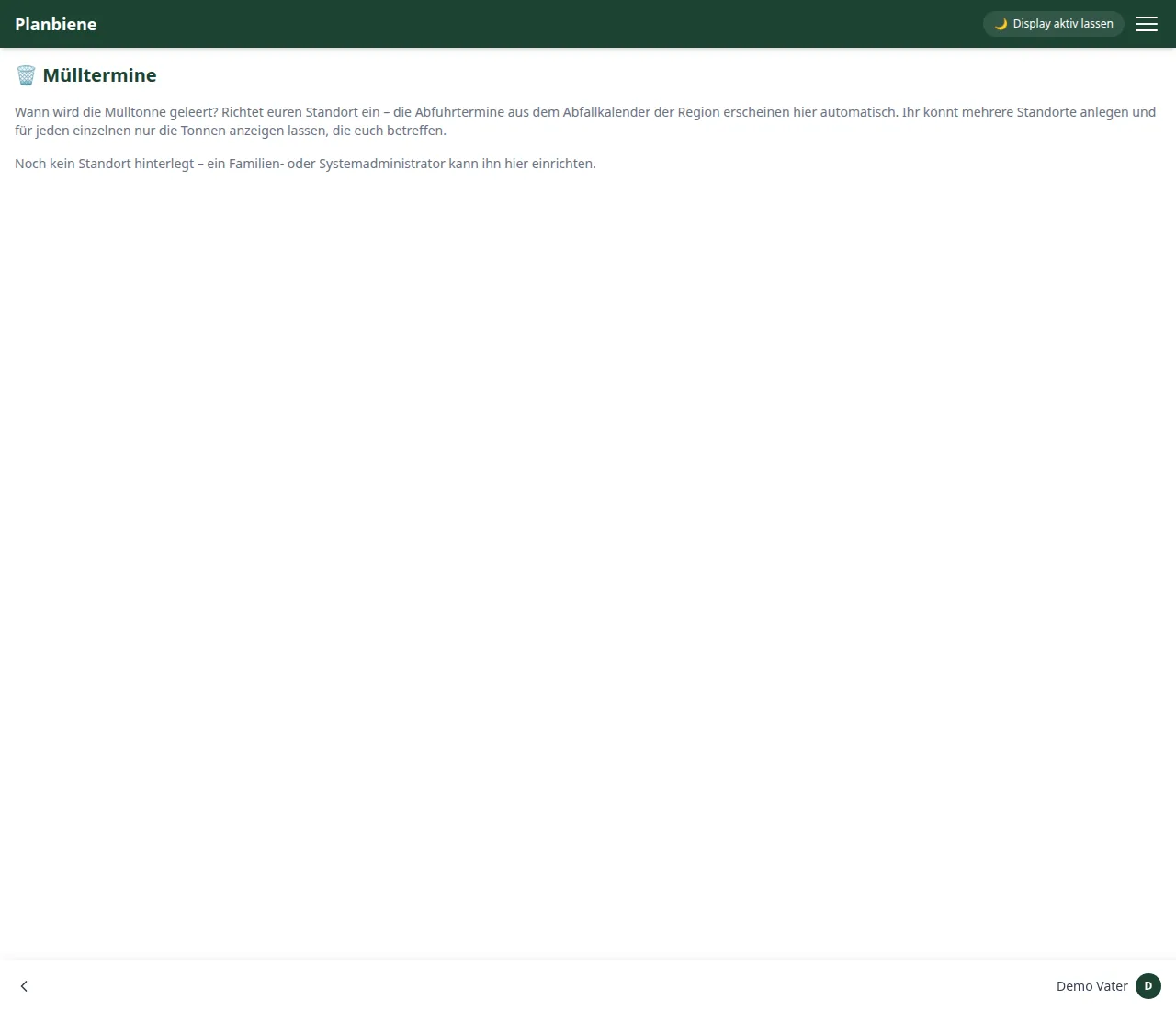
Setting up a location
- Open 🗂️ Modules › 🗑️ Waste collection in the menu.
- Tap + Add location.
- Choose the waste location step by step: region, then town/municipality, then the street. A house number is optional – without a house number the dates apply to the whole street, which is usually entirely sufficient.
- Depending on the region the selection works as town/street/house number or as a location tree (“AbfallPlus”), which you simply click through.
- Done – the app syncs the dates and shows when which bin comes.
Legally speaking: creating or editing a location requires calendar manager rights (a family or system administrator). Everyone else – children included – sees the dates but cannot change anything.
Bins and colours
Via Bins you define per location which fractions are shown (everything selected means: all bins). With 🎨 Bin colours you assign a colour to each bin – it then applies everywhere in the same way: on the home page and in the waste collection section. “Auto” automatically assigns a stable colour based on the name (paper blue, yellow bin yellow, organic brown …). The setting applies to the whole family.
Syncing
Via Sync now you fetch the dates immediately. In addition the app syncs automatically in the background (at most once a day), so the dates stay up to date even without any action on your part.
Collection to-dos (optional)
The 📋 Create collection to-dos switch is the candidate for “out of sight, out of mind”: on the day before each collection a family task is created automatically, e.g. “Put the paper bin out in front of the house” – the title consists of the name of the bin. Completed tasks stay, rescheduled dates are cleaned up. That way nobody misses the bin again, and the task simply sits in your to-dos.
On the home page
The 🗑️ Waste collection tile shows the next collections (“today”, “today & tomorrow” or over the coming days) in the chosen bin colours – with the location if you have created several locations. In the settings under Home page you choose how many days the tile looks ahead. If there is no date in that window, the tile simply disappears.