
How do I collect points for completed tasks?
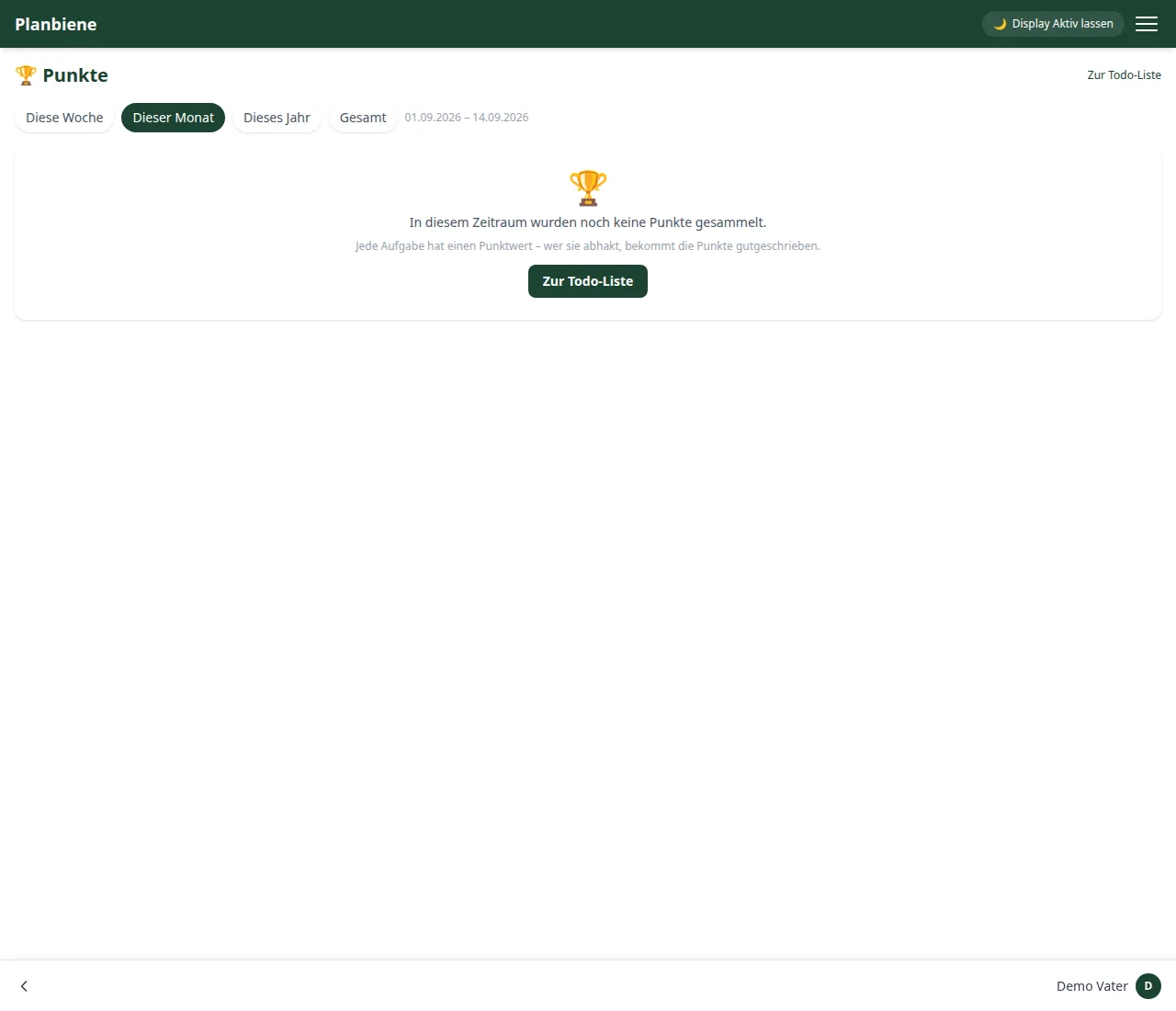
In Planbiene every task is worth points – and whoever ticks it off gets the points credited. The 🏆 Points overview then shows leaderboard, trend and analysis of the whole family. This is aimed mainly at children, for whom a visible score says more than „give me a hand“.
Step by step
- Open the To-do list item in the menu (✅ To-dos).
- Click + New task and enter a title, optionally notes and a due date.
- Choose the Visibility: Family or Only for me.
- Optional: assign a category (e.g. „Household“).
- In the Points field set the value – from 0 to 100, 1 by default. The more effort the task takes, the higher it may be: mowing the lawn eight points, taking out the rubbish one.
- Optional: mark it as a recurring task, e.g. „every 1 week(s)“. Each tick-off then brings points again.
- Save.
Collecting
Whoever ticks the task off gets the points – not the person who created it. A click on the checkbox completes the task; for recurring ones the due date automatically jumps to the next date. If a completion is undone, the points disappear again.
Reading the overview
- Key figures – your points in the period, your completed tasks, the family total and your overall score.
- Leaderboard of all family members with bars and medals for the top three.
- Trend over time – daily for up to two months, monthly beyond that.
- Points by category – what the points are actually earned for.
At the top you choose the period: this week, this month, this year or everything together.
All details can be found in the Handbook: Points and in the Handbook: To-dos.