
How do I create my own recipe?
The recipe collection is the foundation of the weekly plan and therefore also of the automatic shopping list. Every family has its own, private collection – once created, a recipe is available for every cooking day and scales along automatically with the number of servings.
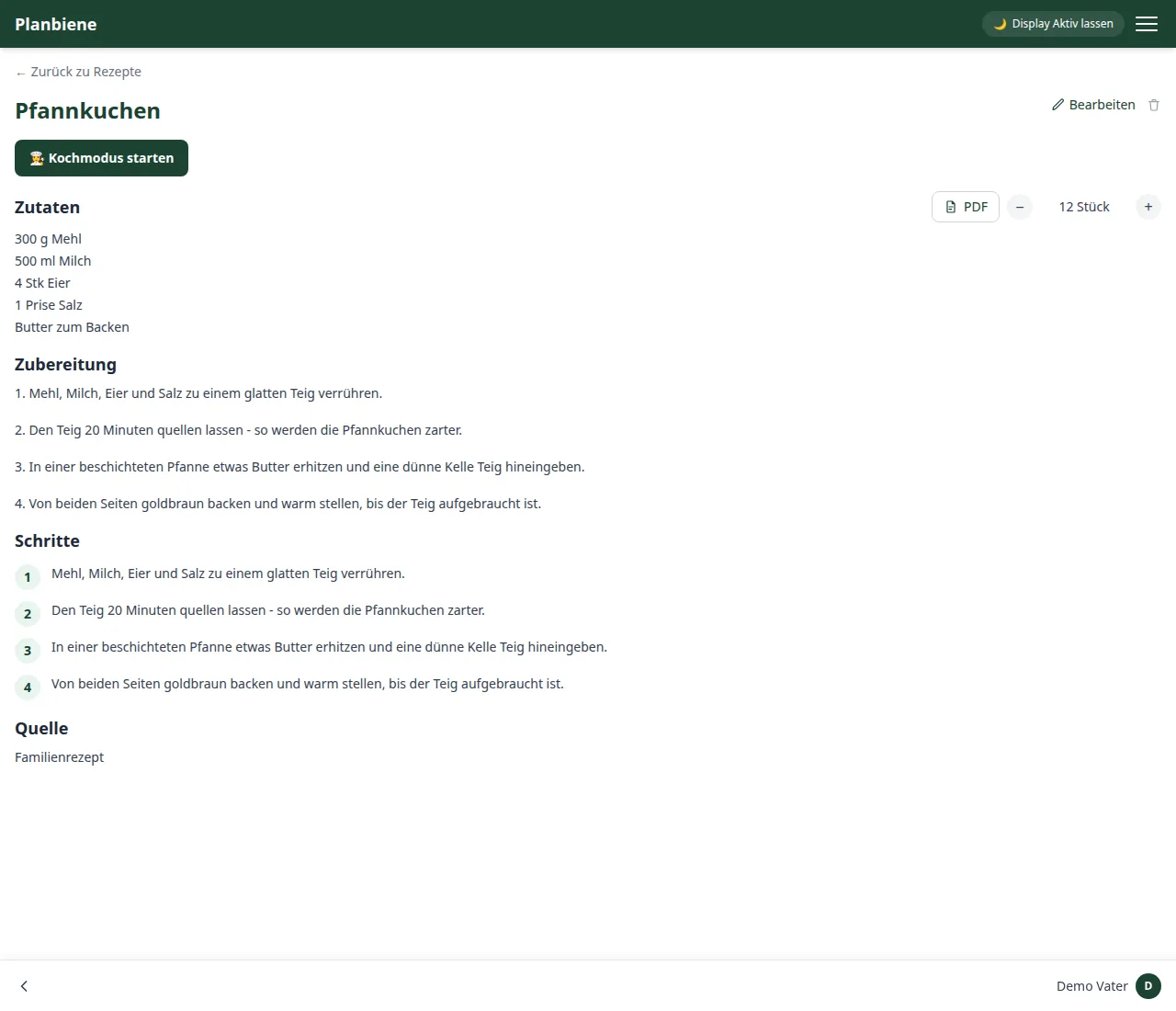
Step by step
- Open the Recipes item in the menu.
- Click + New recipe at the top right.
- Enter a title.
- Enter the ingredients with name, quantity and unit – as many lines as you like, even if an ingredient appears in several recipes.
- Write the preparation as running text.
- Set how many people the recipe is calculated for by default (for cakes: pieces or trays).
- Optional: assign one or more categories, e.g. „Vegetarian“ or „Quick“.
- Save – done.
Scaling the number of servings up and down
On the detail page you set the number of people with the plus/minus controls – the app scales all ingredient quantities along with it automatically. Handy when visitors come or you cook ahead for several days. For a concrete cooking day you set the actual number later in the weekly assistant, independently of the recipe's default number of servings.
Good to know
- The Source field records where the recipe comes from – for example „from grandma“ or a link to the original.
- Under Cook on the detail page the cooking mode opens with step-by-step instructions and tickable ingredients.
- Work steps can additionally be recorded individually, each with its own text and optionally an image.
- Delete: A recipe is removed permanently and also disappears from cooking days that have already been planned.
Everything about recipes can be found in the Handbook: Recipes.