
How do I get started with the custody planner?
The custody planner makes the handovers in a shared custody arrangement predictable: you define a recurring base plan once – who is next according to which pattern and when – and the app calculates the calendar from it automatically. Individual deviations are added later via a swap day.
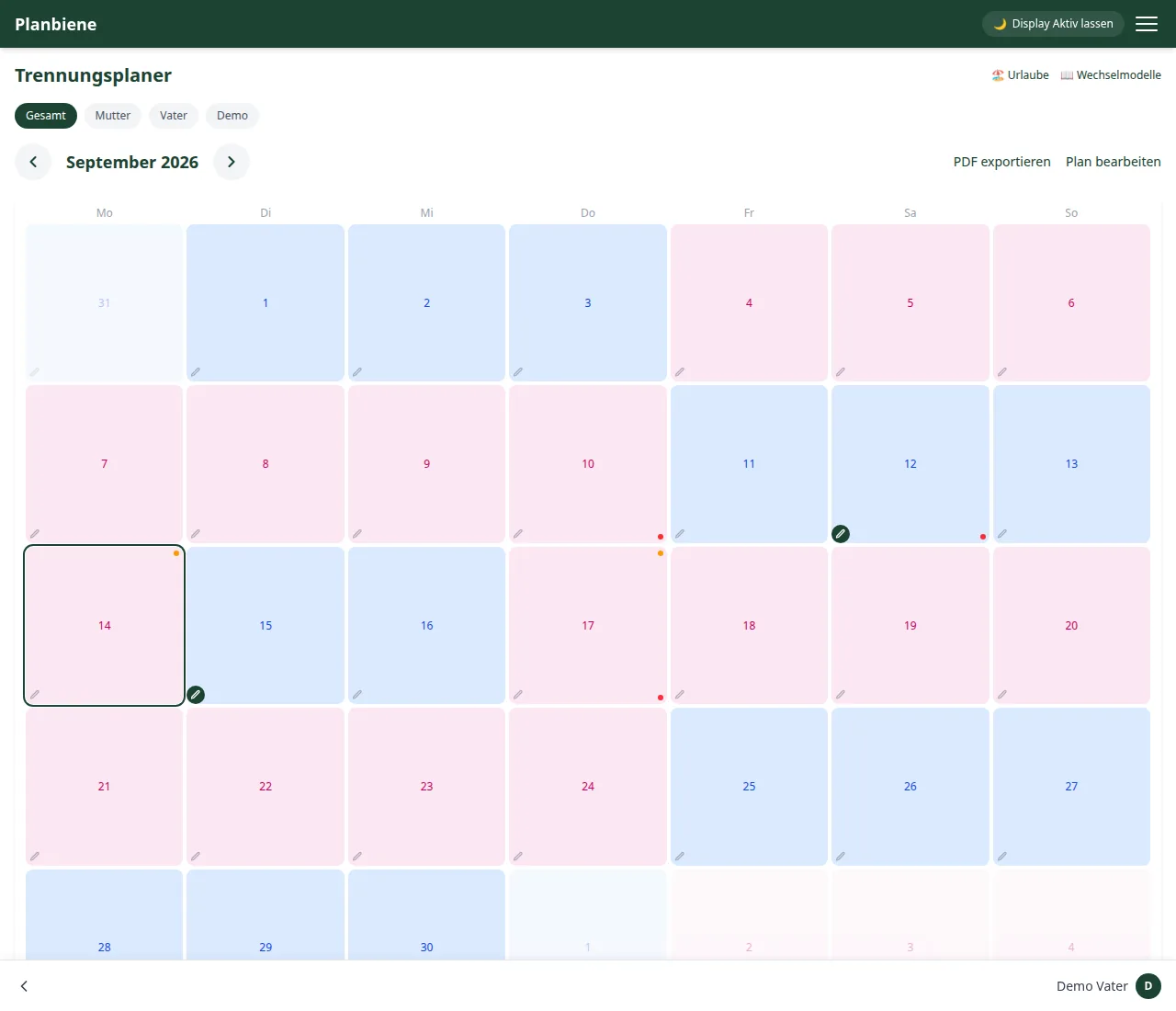
Step by step
- Open the Custody planner entry in the menu.
- Click Edit plan.
- Choose the distribution pattern – the weekly model is the default; which models there are and what they mean is covered in its own tutorial.
- Choose a start date.
- Choose the parent who begins on that start date.
- Save – done.
From the start date the app automatically calculates whose turn it is on which day according to the pattern, and colours the days according to the legend below the calendar (blue/pink). Below the calendar it also shows how many days have lain with each parent since the start – without you having to count yourself.
And then?
- Try a different model? → Shared custody models
- Individual days deviating from the pattern? → Swapping a custody day
- Holidays in the calendar? → Public holidays and school holidays
- A trip that temporarily overrides the rhythm? → Planning a holiday
Demo version: The custody planner can be used in a demo family for
3 months from activation and is then locked automatically.
You'll find everything in detail in the Handbook: Custody planner.